User Center
Console: Visible in both the User Interface (AI Computing Platform) and Admin Console
Page Route:/admin/user-center
Primary Users: All logged-in users
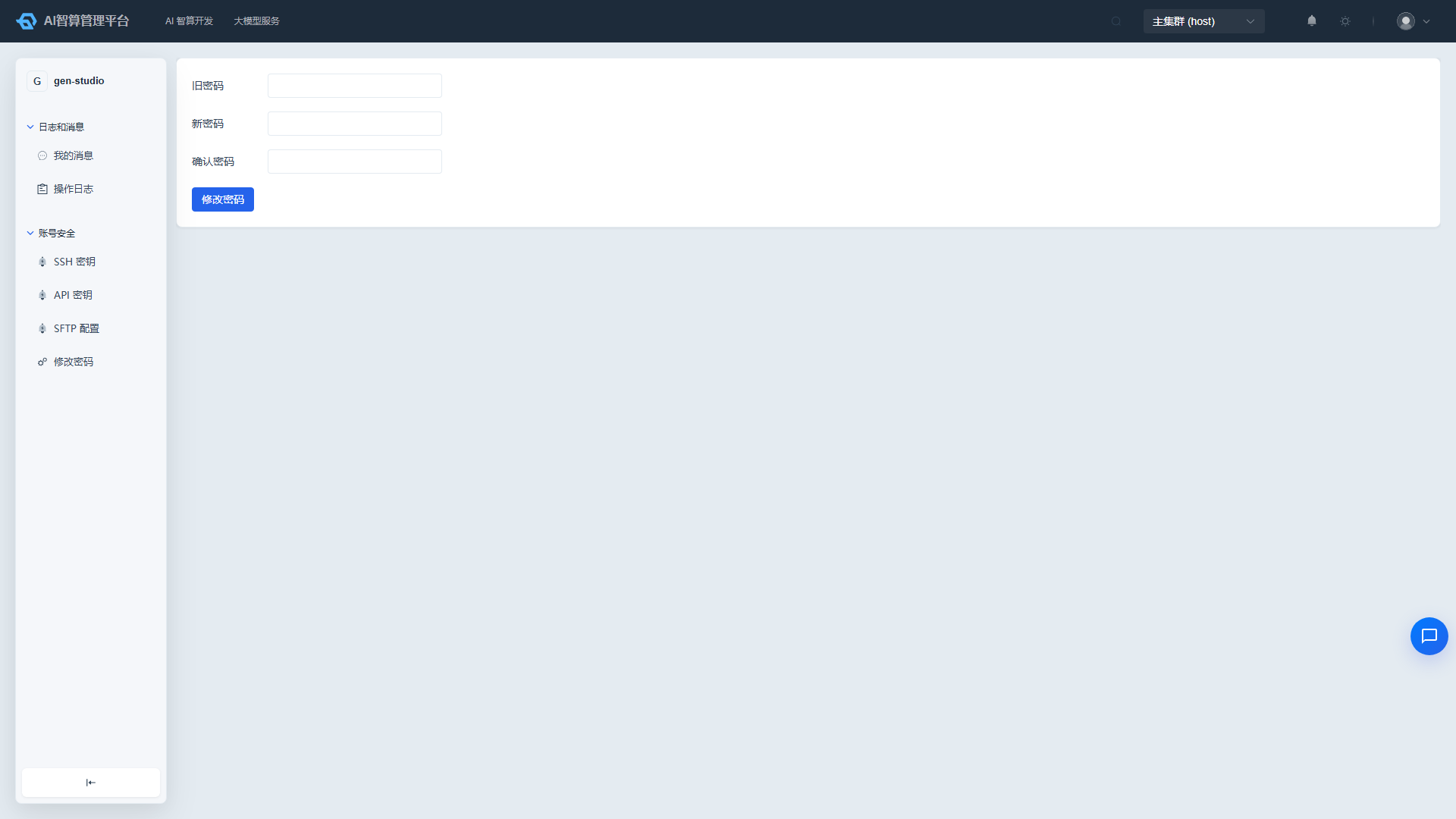
The "User Center" is designed for end users to manage personal information, view message notifications and operation logs, and maintain account security settings including passwords, SSH keys, API keys, and SFTP configuration.
What Can I Do
| Scenario | Entry Point | Description |
|---|---|---|
| Change Password | Account Security | Recommended to change the initial password immediately after first login |
| Manage SSH Keys | Account Security | Add a public key to connect to container instances via SSH |
| Manage API Keys | Account Security | Create and enable API keys for calling large model services |
| Configure SFTP | Account Security | Initialize an SFTP account for uploading and downloading large files |
| View Notifications | Logs & Messages | View system notifications and personal operation logs |
Sub-menu Overview
| Sub-module | Document | Description |
|---|---|---|
| Account | Account | Transaction overview; order overview, API quota overview (Admin Console only) |
| Logs & Messages | Logs & Messages | Personal notifications and operation logs |
| Account Security | Account Security | Change password, SSH keys, API keys, SFTP configuration, profile |
Typical Workflow
- After first login, go to Account Security to change the initial password and configure SSH keys.
- To call model APIs, create an API key in Account Security > API Keys.
- For large file upload scenarios, initialize an SFTP account in Account Security > SFTP Configuration.
- Check system notifications and personal operation logs daily in Logs & Messages.