Security
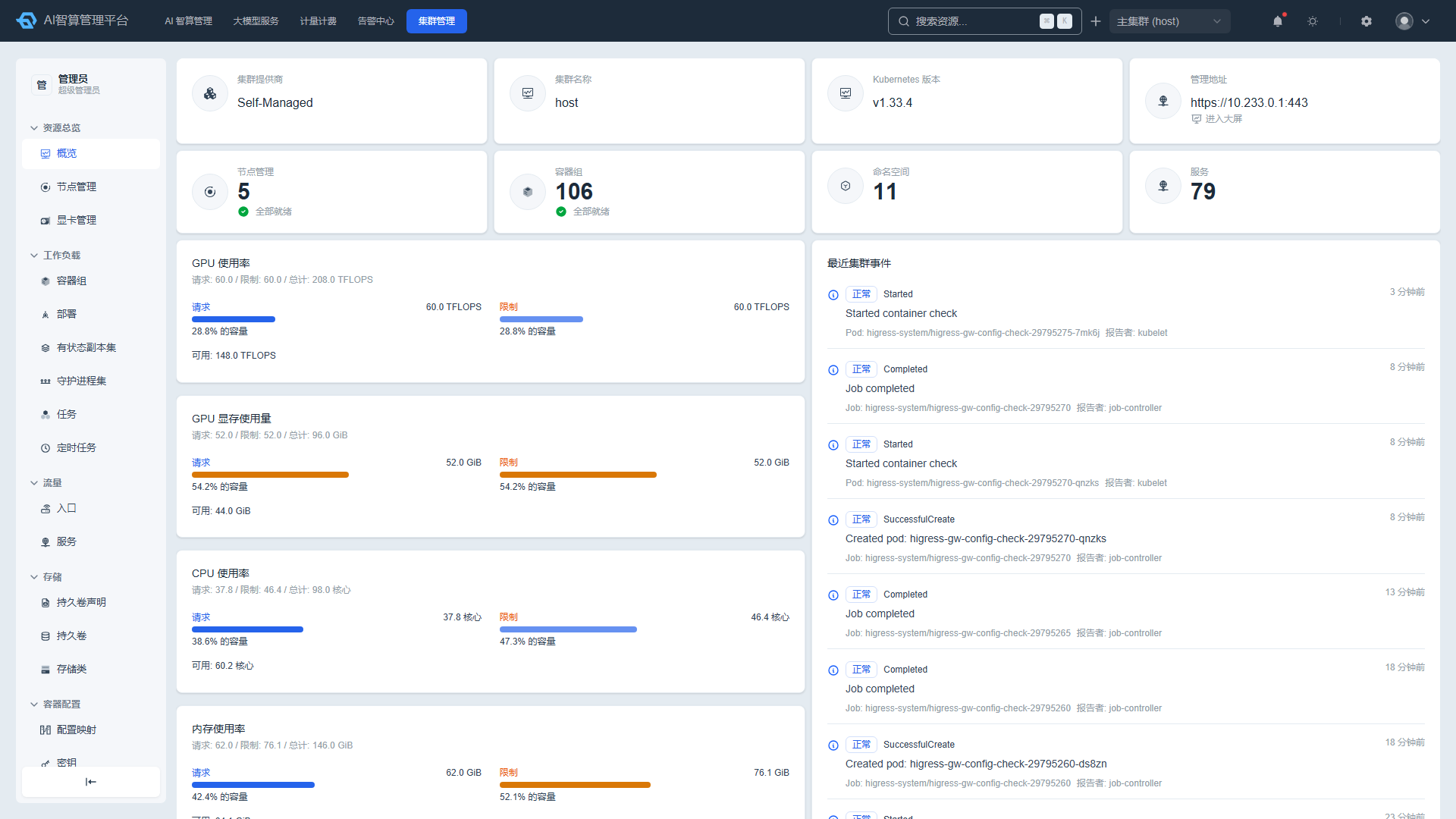
Security provides operations engineers with visual RBAC management for ServiceAccount, Role, RoleBinding, ClusterRole, and ClusterRoleBinding.
Access path: Left sidebar K8s Cluster Management > Security.
ServiceAccount
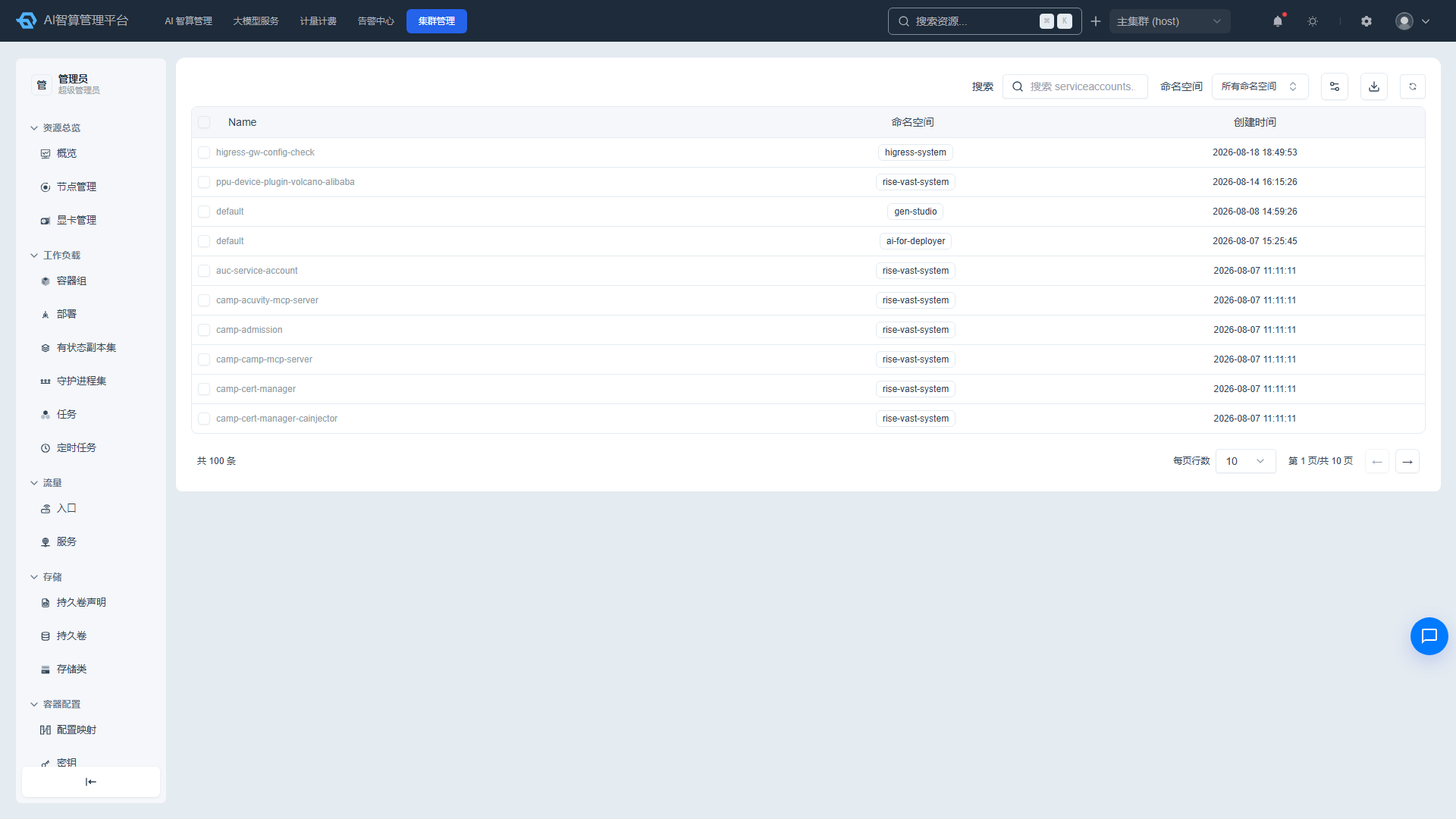
Viewing the ServiceAccount List
- Navigate to K8s Cluster Management > Security > ServiceAccount.
- The list displays: name, namespace, and creation time.
- Use the top search box to filter by name and namespace.
ServiceAccount Details
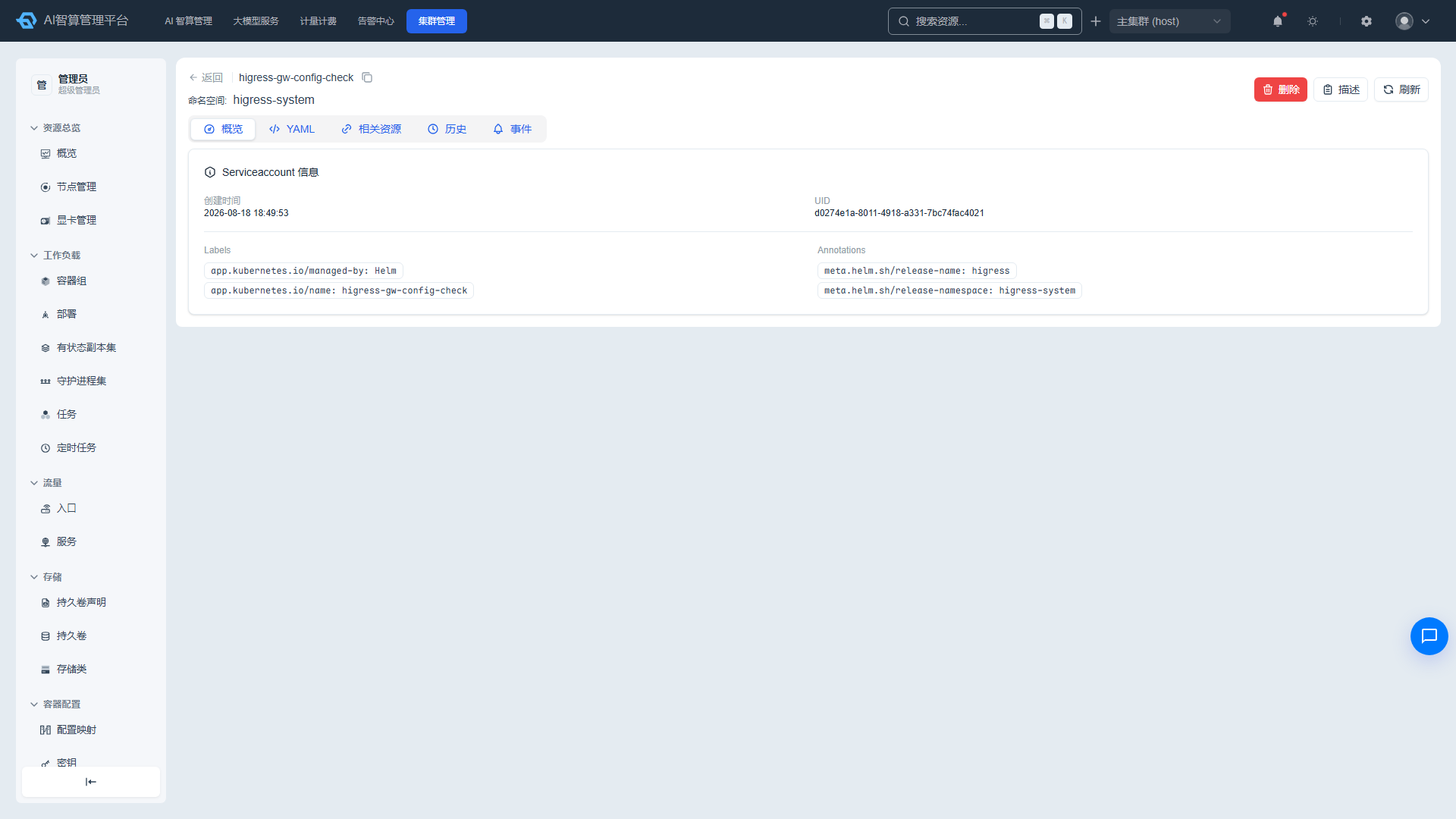
- Click a name to enter the detail page.
- Overview: creation time, UID, owner links, labels/annotations.
- YAML: edit online and save.
- Related Resources: associated Secret, RoleBinding, Pod, and more.
- History: change records with YAML diff comparison, error detail viewing, and rollback support.
- Events: related K8s events.
Managing ServiceAccounts
- Click "Delete" in the list row or detail page, enter the name to confirm.
- Select multiple rows and click "Batch Delete."
- Supports CSV export, Describe modal, and manual refresh.
Role
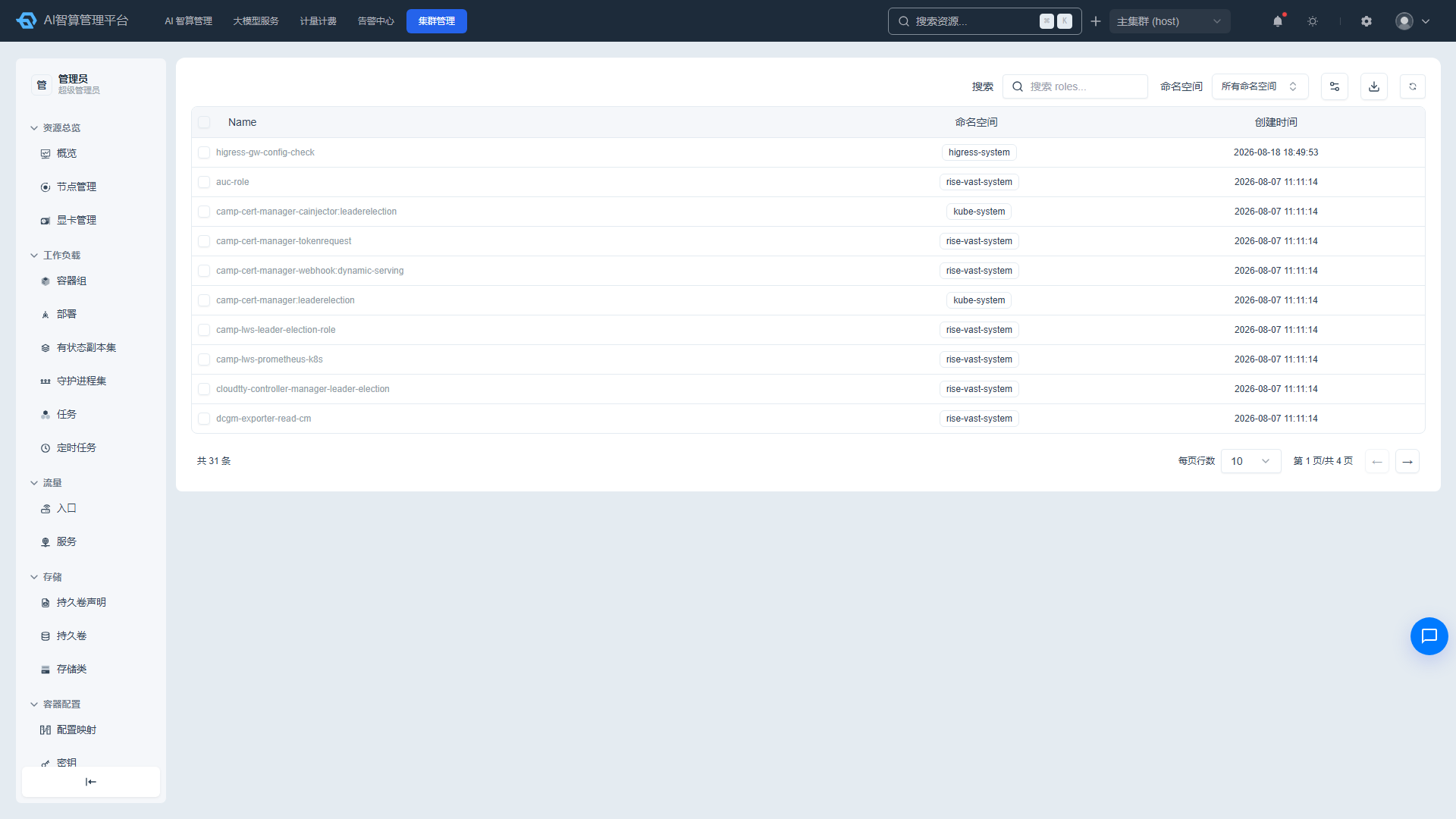
Viewing the Role List
- Navigate to K8s Cluster Management > Security > Role.
- The list displays: name, namespace, and creation time.
- Use the top search box to filter by name and namespace.
Role Details
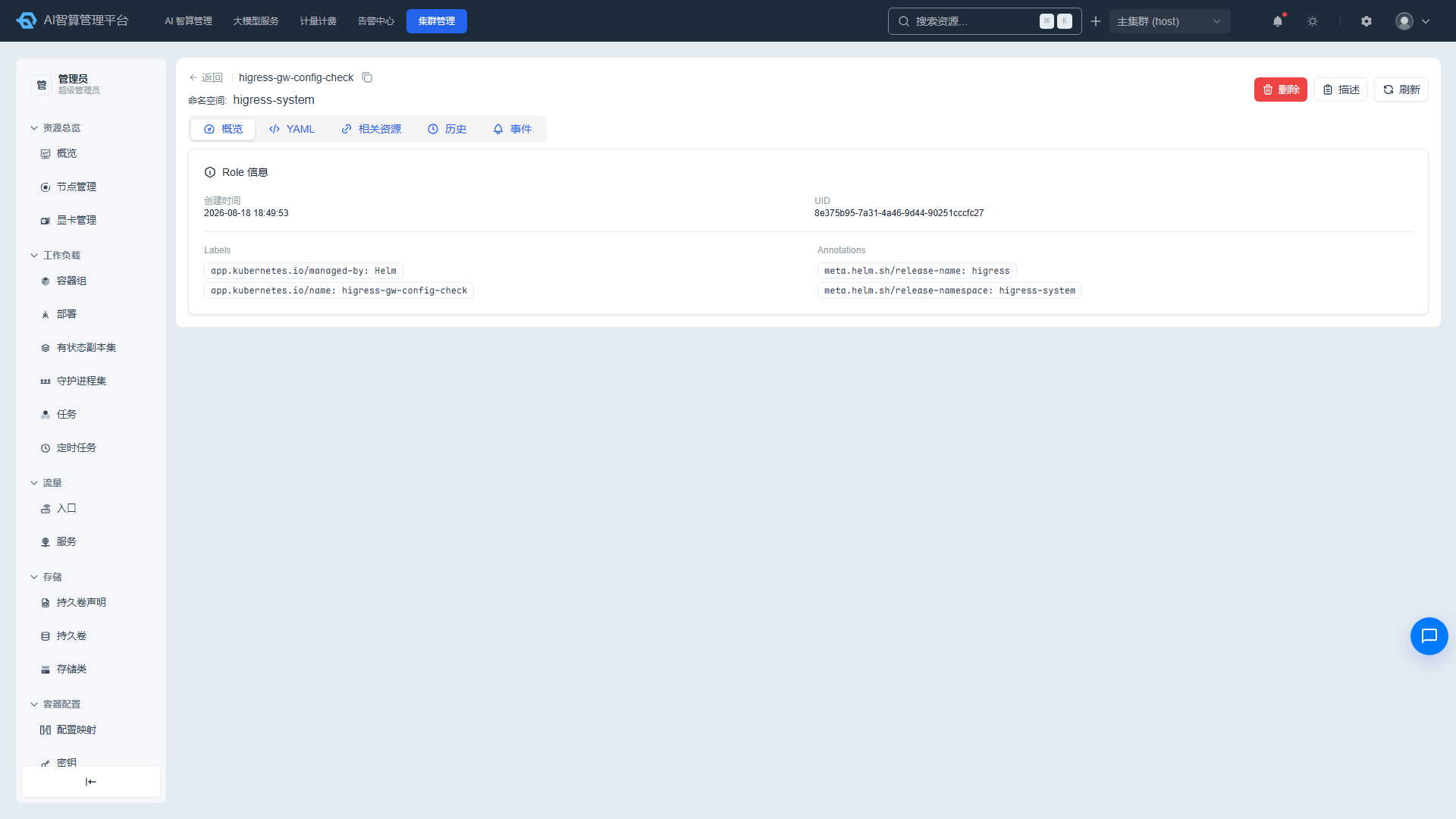
- Click a name to enter the detail page.
- Overview: creation time, UID, owner links, rules list, labels/annotations.
- YAML: edit online and save.
- Related Resources: associated RoleBinding.
- History: change records with diff comparison and rollback support.
- Events: related K8s events.
Managing Roles
- Click "Delete" in the list row or detail page, enter the name to confirm.
- Select multiple rows and click "Batch Delete."
- Supports CSV export, Describe modal, and manual refresh.
RoleBinding
Viewing the RoleBinding List
- Navigate to K8s Cluster Management > Security > RoleBinding.
- The list displays: name, namespace, and creation time.
- Use the top search box to filter by name and namespace.
RoleBinding Details
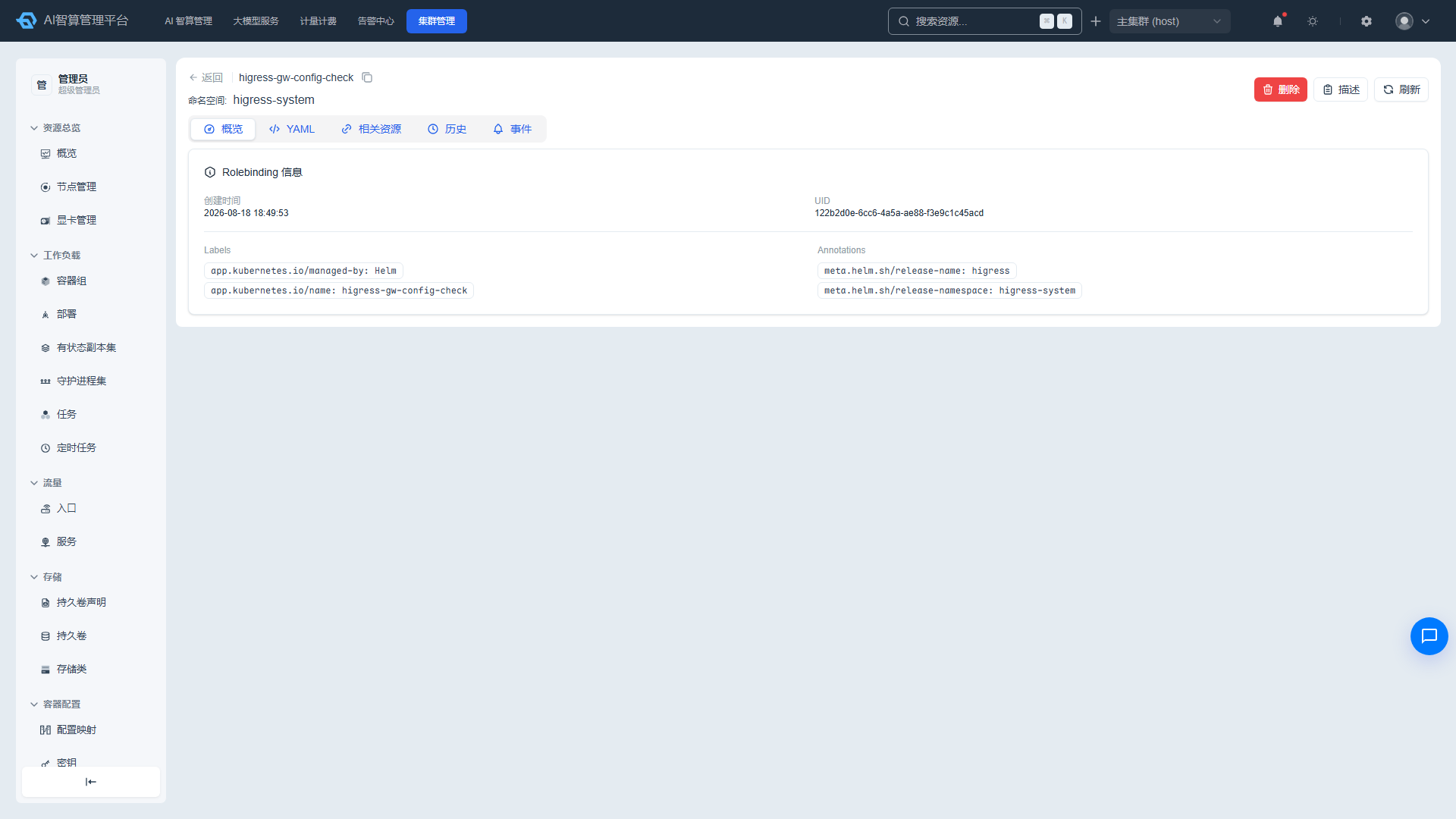
- Click a name to enter the detail page.
- Overview: creation time, UID, owner links, bound role/subject, labels/annotations.
- YAML: edit online and save.
- Related Resources: associated Role/ClusterRole, ServiceAccount/User/Group.
- History: change records with diff comparison and rollback support.
- Events: related K8s events.
Managing RoleBindings
- Click "Delete" in the list row or detail page, enter the name to confirm.
- Select multiple rows and click "Batch Delete."
- Supports CSV export, Describe modal, and manual refresh.
ClusterRole
Viewing the ClusterRole List
- Navigate to K8s Cluster Management > Security > ClusterRole.
- The list displays: name and creation time.
- Use the top search box to filter by name.
ClusterRole Details
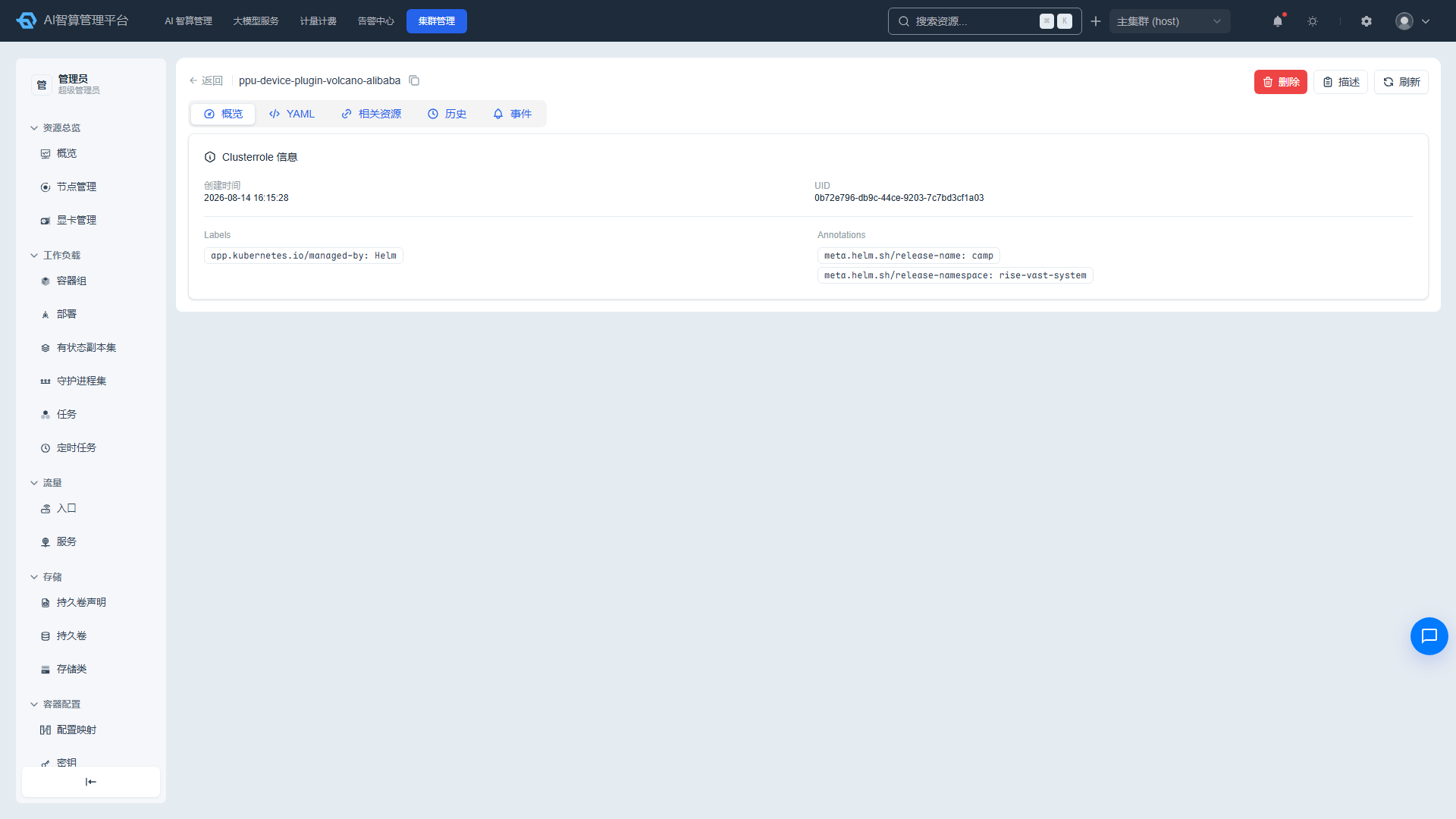
- Click a name to enter the detail page.
- Overview: creation time, UID, owner links, rules list, labels/annotations.
- YAML: edit online and save.
- Related Resources: associated ClusterRoleBinding.
- Change History: change records and rollback.
- Events: related K8s events.
Managing ClusterRoles
- Click "Delete" in the list row or detail page, enter the name to confirm.
- Select multiple rows and click "Batch Delete."
- Supports CSV export, Describe modal, and manual refresh.
ClusterRoleBinding
Viewing the ClusterRoleBinding List
- Navigate to K8s Cluster Management > Security > ClusterRoleBinding.
- The list displays: name and creation time.
- Use the top search box to filter by name.
ClusterRoleBinding Details
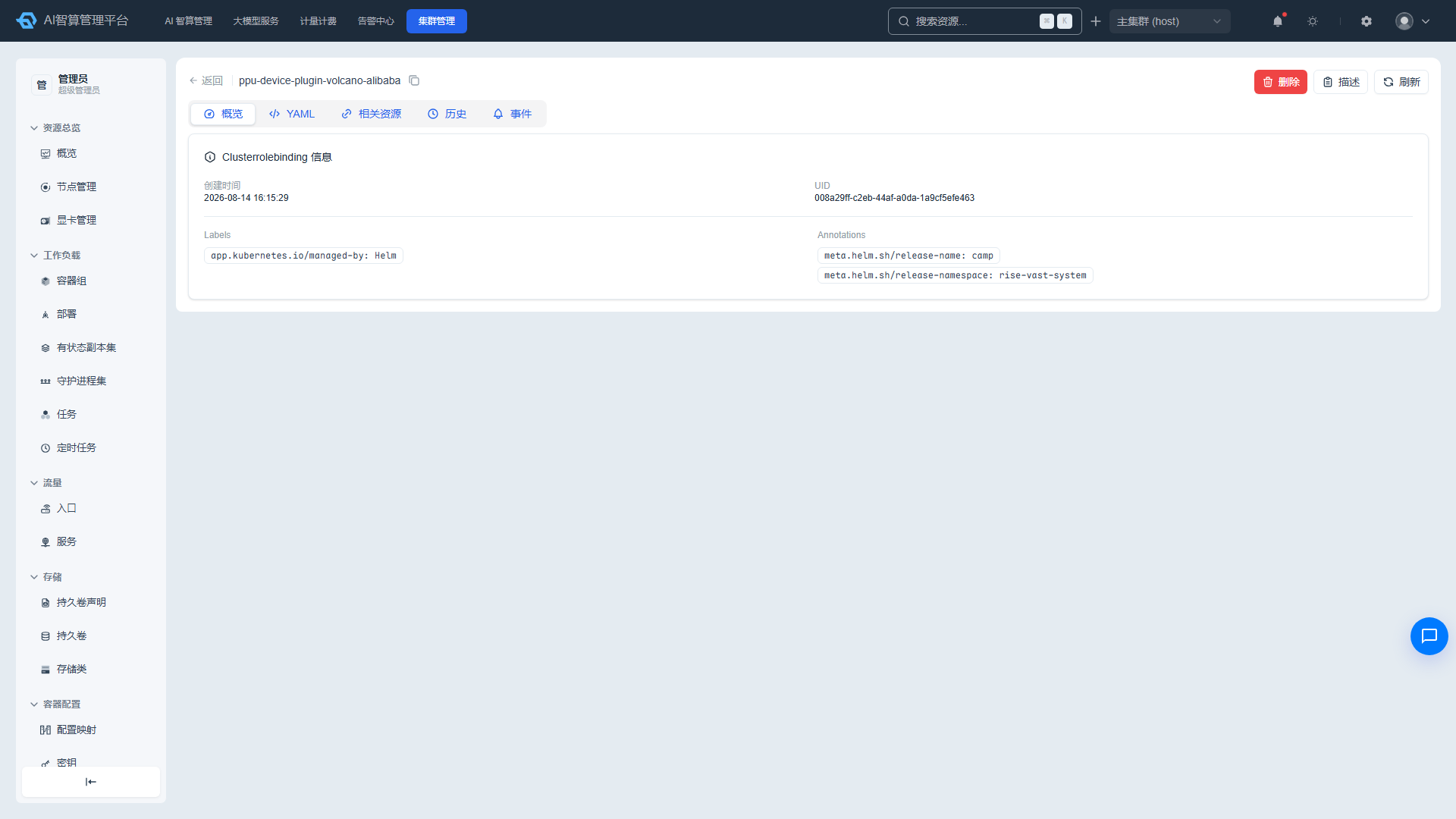
- Click a name to enter the detail page.
- Overview: creation time, UID, owner links, bound cluster role/subject, labels/annotations.
- YAML: edit online and save.
- Related Resources: associated ClusterRole, ServiceAccount/User/Group.
- Change History: change records and rollback.
- Events: related K8s events.
Managing ClusterRoleBindings
- Click "Delete" in the list row or detail page, enter the name to confirm.
- Select multiple rows and click "Batch Delete."
- Supports CSV export, Describe modal, and manual refresh.
FAQ
Q: Deleting a Role prompts that there is an associated RoleBinding? A: First delete the RoleBinding that references this Role, or modify the RoleBinding to reference a different role.
Q: What is the difference between ClusterRole and Role? A: Role is a namespace-scoped resource; its permissions only take effect within the specified namespace. ClusterRole is a cluster-scoped resource; its permissions can apply to the entire cluster or span multiple namespaces.
Q: How do I grant a user access to a specific namespace? A: Create a Role to define permissions within that namespace, then create a RoleBinding to bind the user/group/ServiceAccount to that Role.