Global Capabilities
Console: Visible in both the User Interface (AI Development Platform) and the Admin Console
Access path: Top navigation bar, floating AI Assistant icon on the right
Primary Users: All logged-in users
Global Capabilities provide cross-cutting features throughout the Rise AI Platform, including cluster switching, message notifications, theme settings, and page search in the top navigation bar, as well as a floating AI Assistant. These features do not belong to any specific business module but significantly improve multi-cluster operations and daily workflow efficiency.
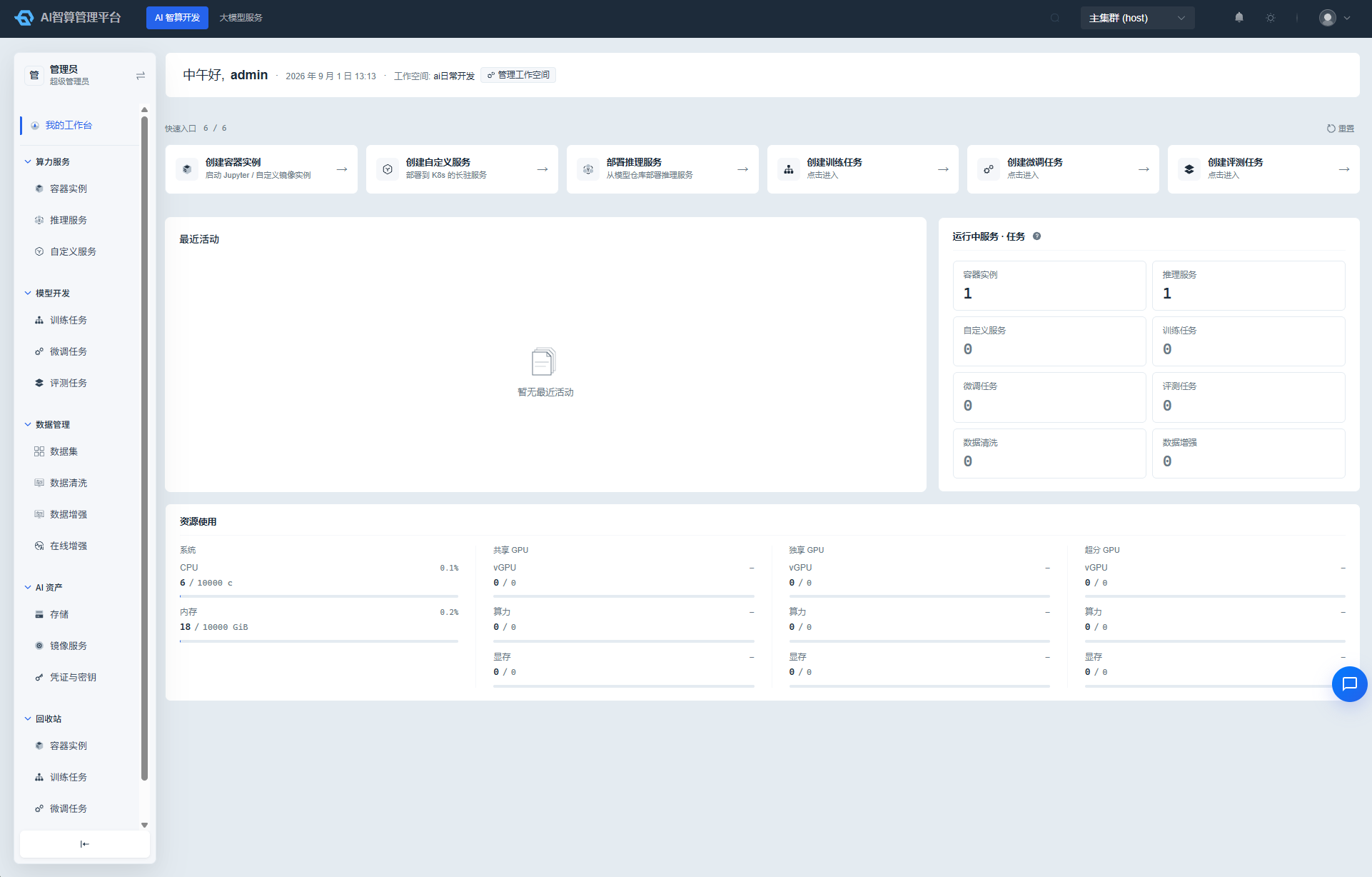
What Can I Do
| Feature | Capability |
|---|---|
| Multi-cluster switching | One-click switching of the active K8s cluster from the top navigation bar |
| Message notifications | View and handle system notifications and personal messages |
| Theme settings | Switch between light / dark or classic themes |
| Page search | Quickly locate menus and pages |
| AI Assistant | Conversational help via the floating icon in the lower-right corner: platform usage guidance, data queries, knowledge base Q&A, chart visualization |
Submodules
| Submodule | Document | Description |
|---|---|---|
| Top Navigation | Top Navigation | Multi-cluster switching, message notifications, theme settings, page search |
| AI Assistant | AI Assistant | Built-in AI assistant: conversational platform help, data queries, and chart visualization |
Typical Workflow
- After logging in, confirm the active cluster in the top navigation bar.
- If there are unread messages, click the bell icon to view and handle them.
- When you need to switch clusters, use the cluster dropdown in the top navigation bar for one-click switching.
- When you cannot find a feature entry, use the top search bar to quickly locate menus and pages.
- When you have operational questions, click the AI Assistant icon in the lower-right corner to start a conversation.