Skip to content

Rise AI PlatformUser Documentation

A one-stop AI development platform for algorithm engineers, and a one-stop management console for administrators

Documentation Map ​

Rise AI Platform provides two console interfaces. The documentation is organized by usage perspective: regular users read the User Interface section, and administrators read the Admin Console section.
  • Product Introduction — product positioning, the two consoles, product advantages, and functional architecture.
  • Product Architecture — technical architecture layers, core component list, and AI chip support.
  • Runtime Environment — software dependencies, production resource sizing, deployment topology, and AI framework support.
  • Core Concepts — multi-tenancy model, computing resource hierarchy, job types, and other core concept explanations.
  • User Quick Start — log in, create your first container instance, and call a model in 5 minutes.
  • Admin Quick Start — complete the initial configuration of workspaces, projects, resource pools, quotas, AI assets, and alerts.
  • Platform Initialization — the mandatory initialization steps an administrator must complete after deployment.
  • Billing Overview — basic billing rules and invoice interpretation for resource and Token billing (located under Admin > Billing).
  • User Interface — usage guides for AI Development, ModelX Service, User Center, and global capabilities.
  • Admin Console — usage guides for AI Management, Billing, Alert Center, Platform, and Cluster Management.
  • Best Practices — recommended configurations and troubleshooting approaches for typical scenarios.
  • Troubleshooting — diagnostic paths and solutions for common deployment, cluster, and configuration issues.
  • Release Notes — feature changes and update highlights for each version.

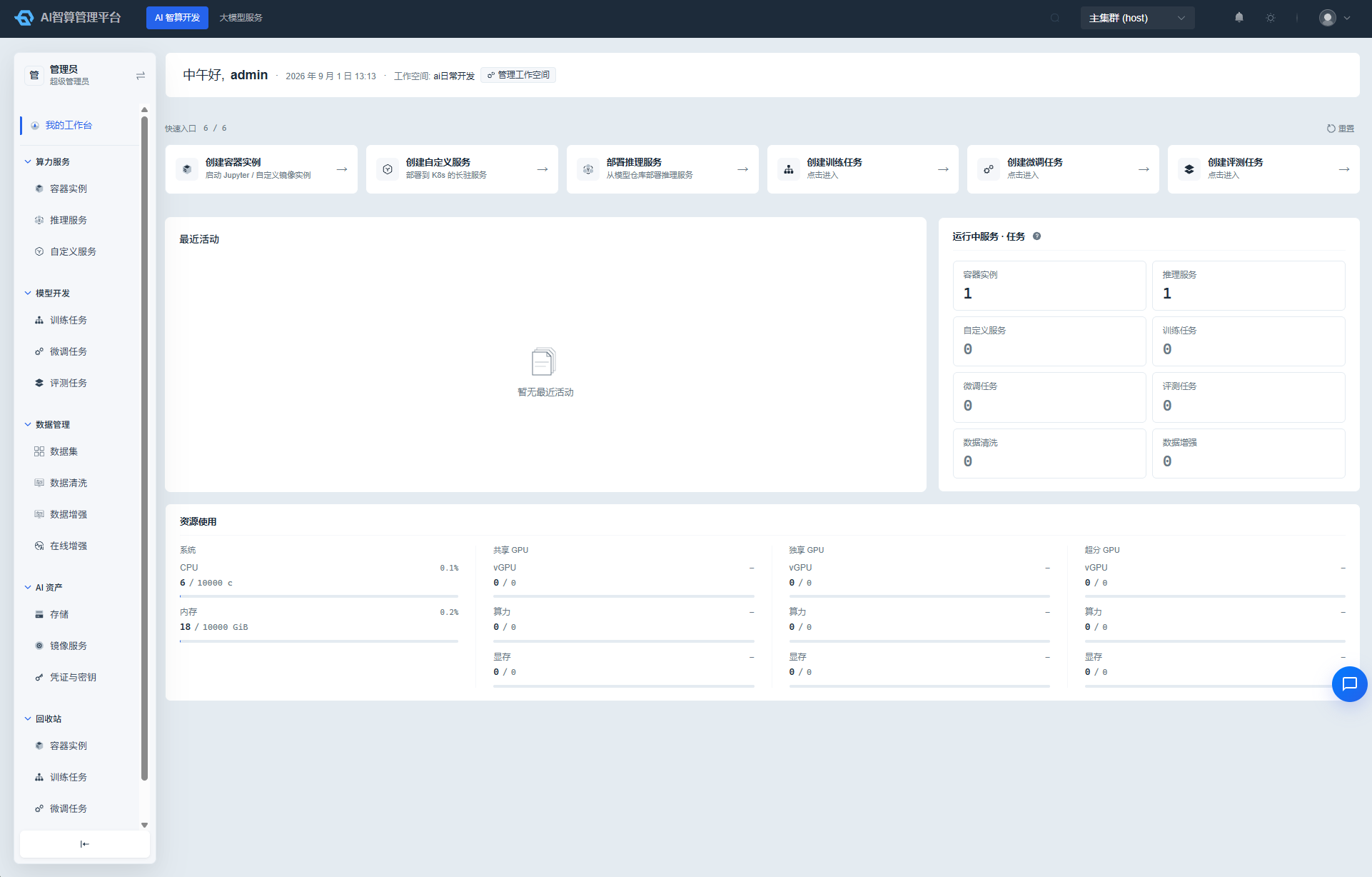
Rise AI Platform development workbench workstation

Generated from Rise AI Platform release-2606.v2.2.x