Others
Others provides operations engineers with management capabilities for Namespace, Events, Custom Resource Definitions (CRD), and system component running status.
Access path: Left sidebar K8s Cluster Management > Others.
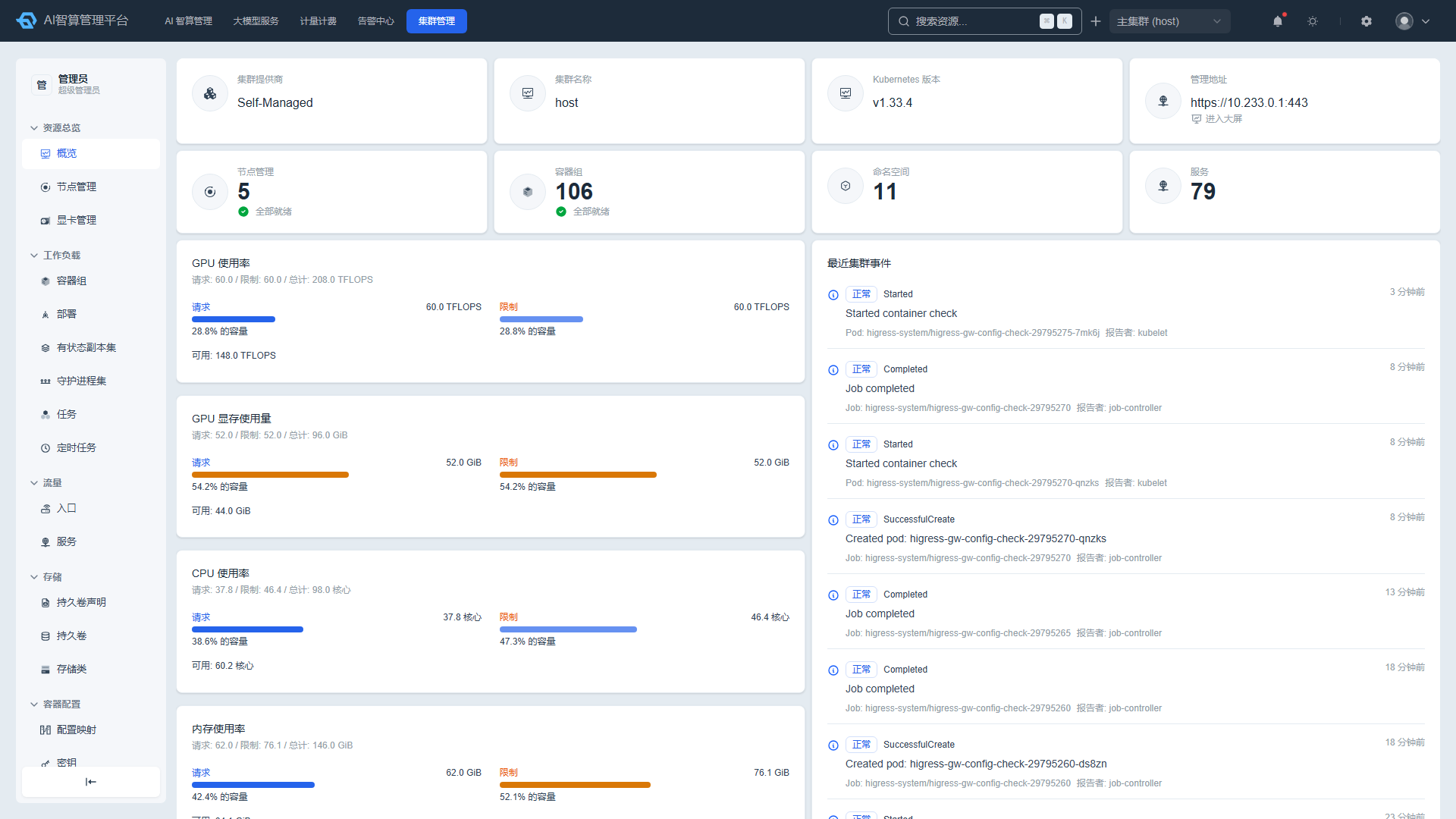
Namespace
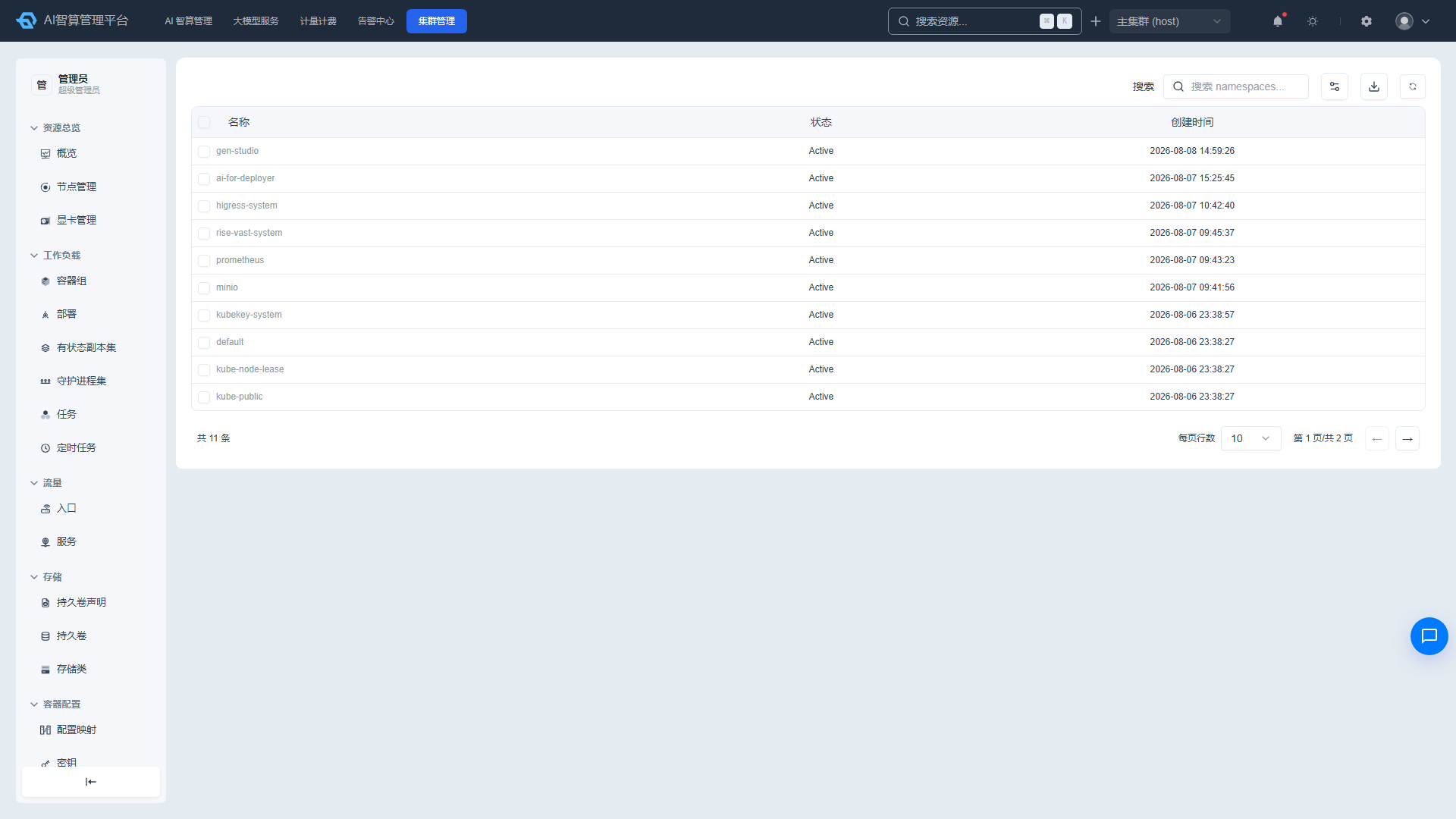
Viewing the Namespace List
- Navigate to K8s Cluster Management > Others > Namespace.
- The list displays: name, status, and creation time.
- Use the top search box to filter by name keywords.
Namespace Details
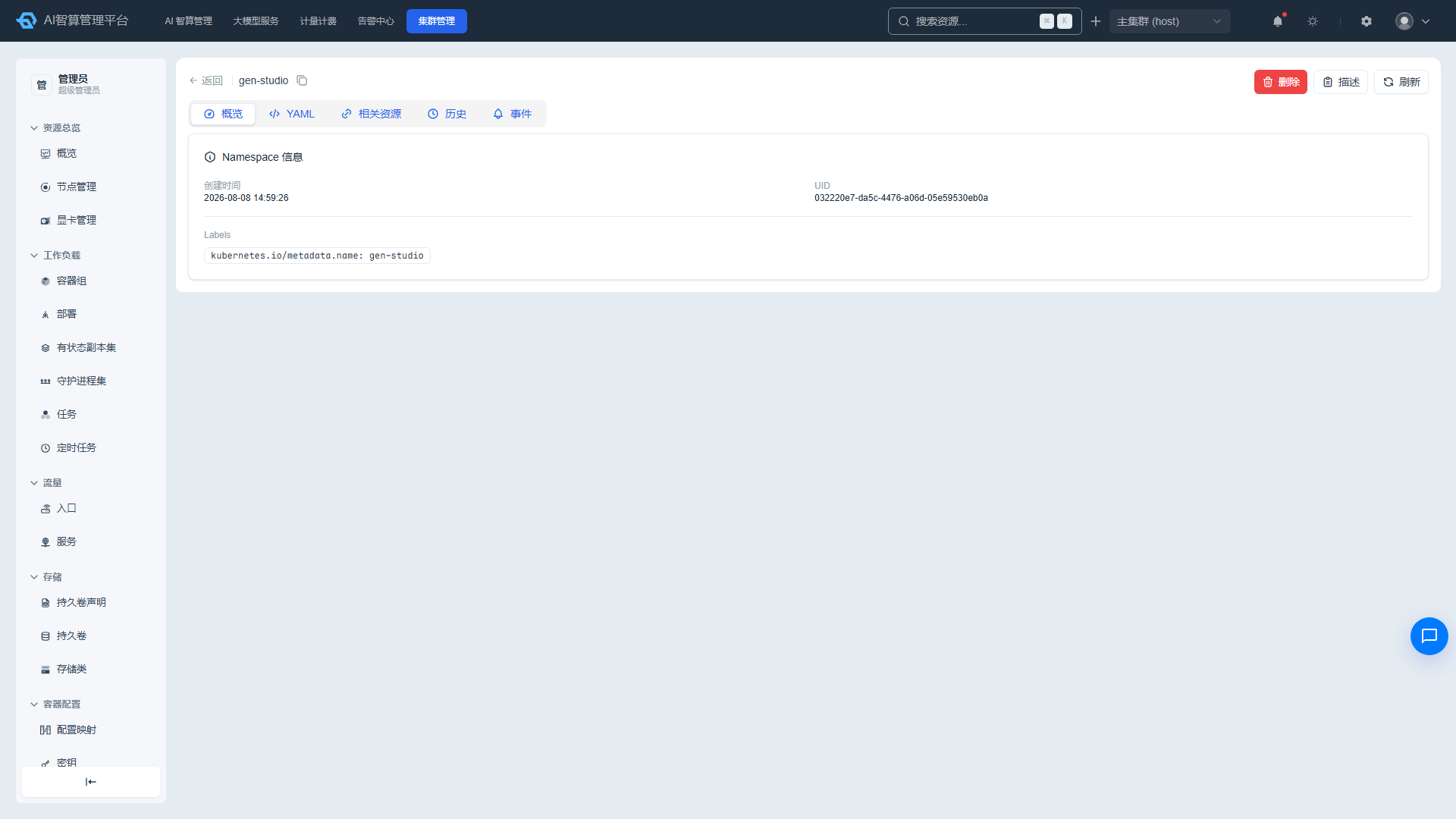
- Click a name to enter the detail page.
- Overview: creation time, UID, owner links, labels/annotations.
- YAML: edit online and save.
- Related Resources: associated Pods, Services, Deployments, and more; click to navigate.
- History: change records with YAML diff comparison, error detail viewing, and rollback to a previous version.
- Events: related K8s events.
Managing Namespaces
- Administrator users can select rows and click "Batch Delete," with an option to force delete.
- The detail page provides delete, Describe modal, and manual refresh.
Event
Viewing the Event List
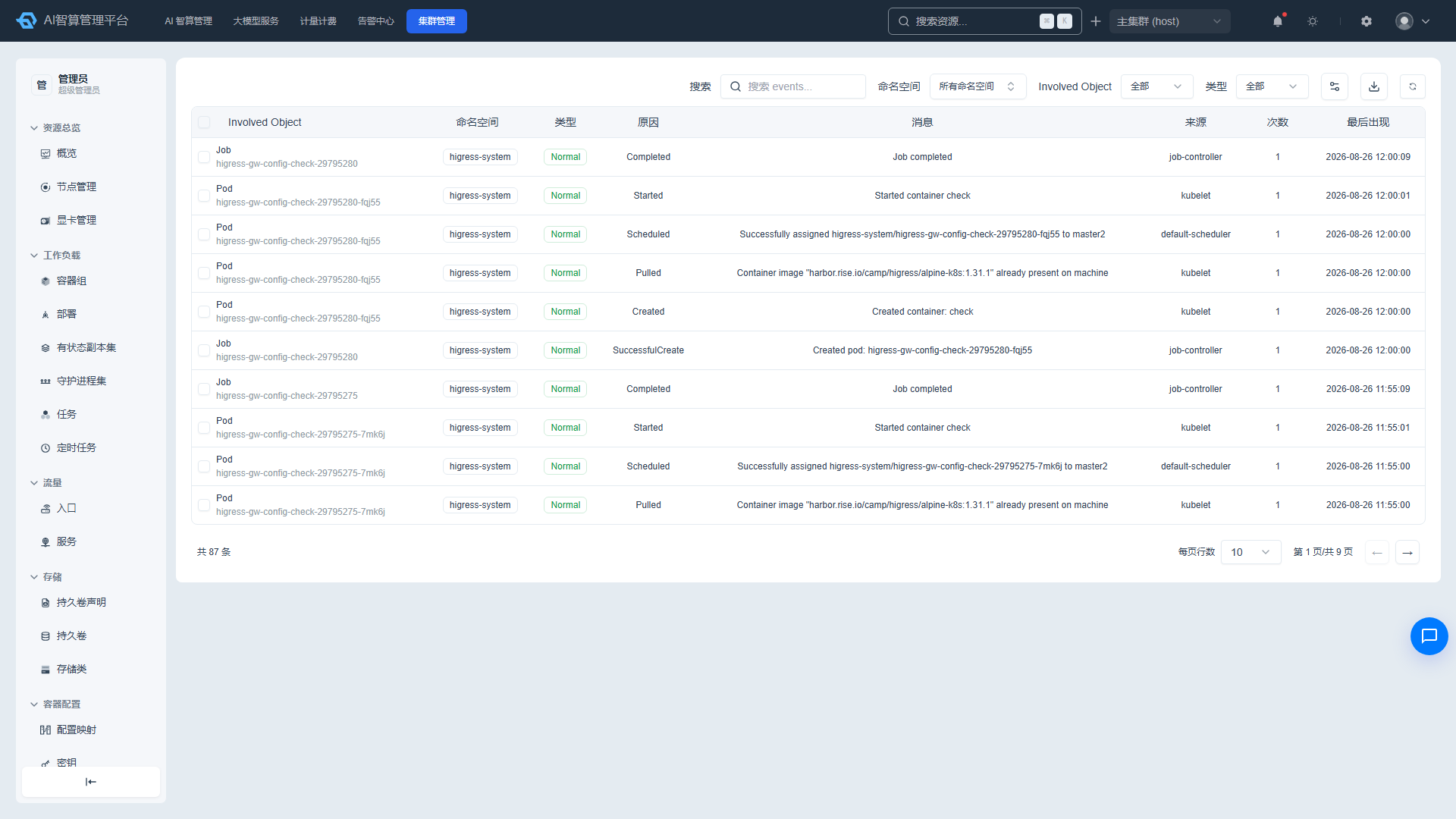
- Navigate to K8s Cluster Management > Others > Event.
- The list displays: involved object, type, reason, message, source, count, and most recent occurrence time.
- Use dropdown filters on the involved object and type columns, and keyword search to filter.
Managing Events
- Select multiple rows and click "Batch Delete" or "Export."
- Click an involved object name to navigate to the corresponding resource detail page.
Custom Resource Definition (CRD)
Viewing the CRD List
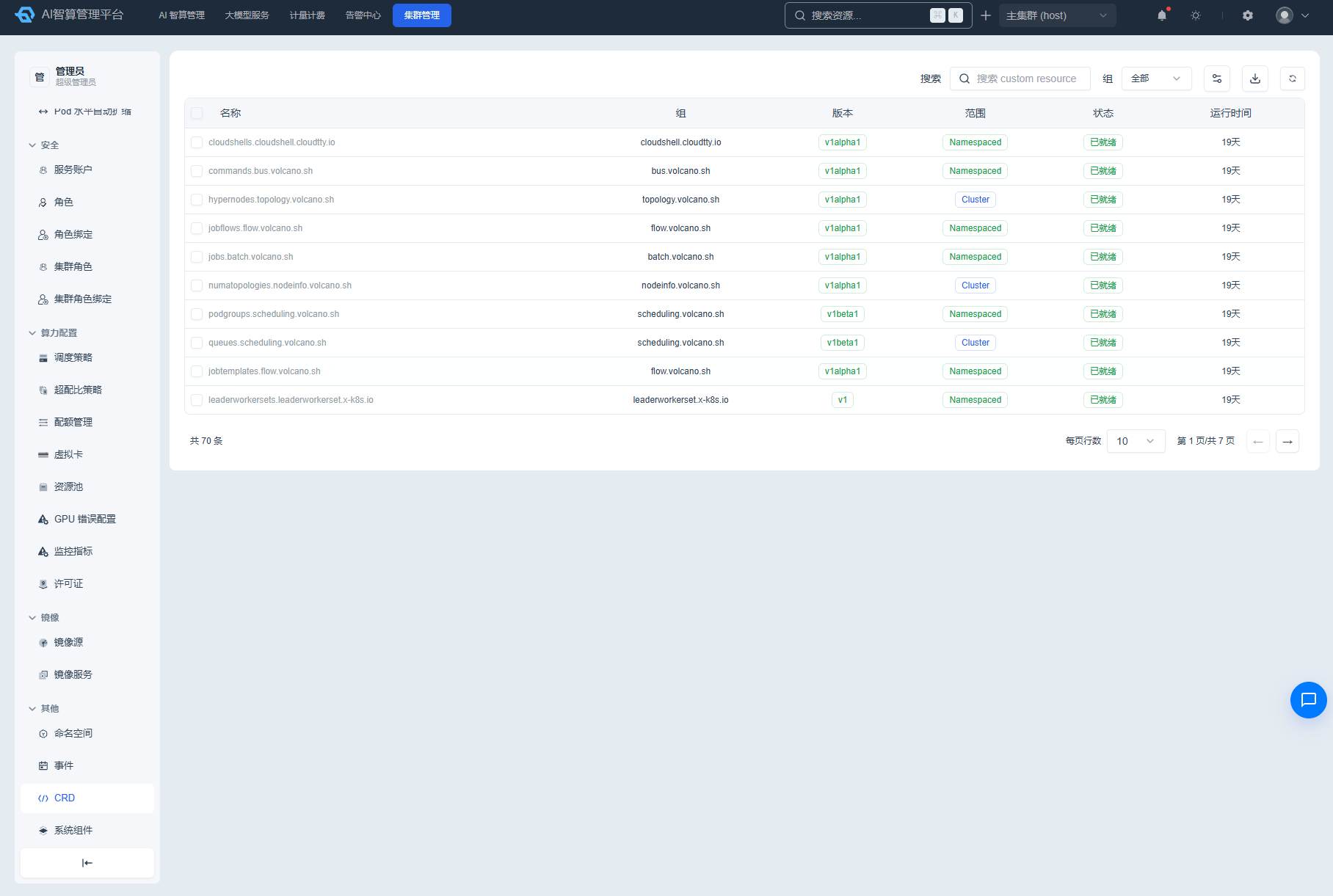
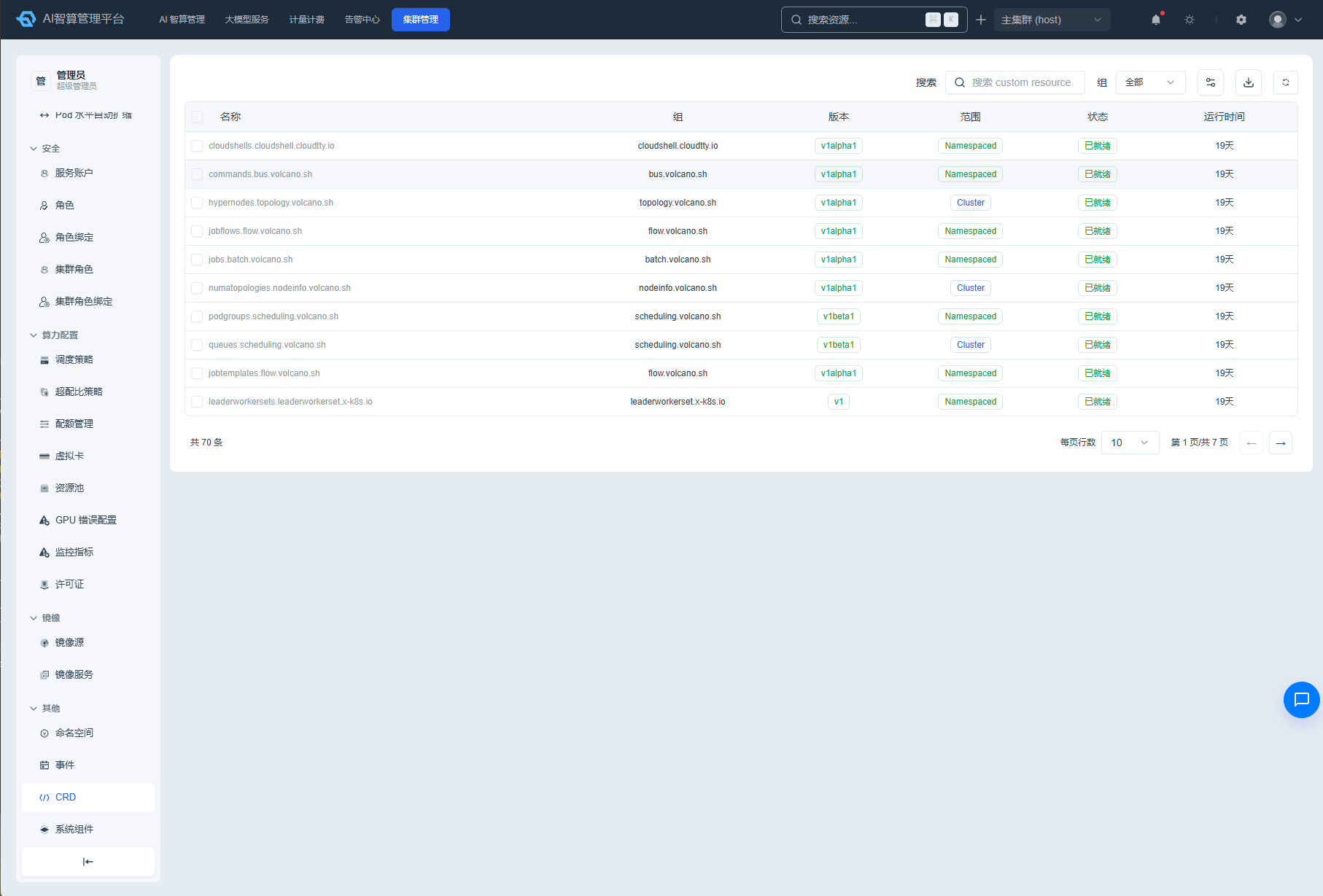
- Navigate to K8s Cluster Management > Others > CRD.
- The list displays: name, group, version, scope, status, and age.
- Use the "Group" dropdown filter and keyword search to filter.
CRD Instance Details
- Click a CRD name to enter the detail page.
- Overview: CRD basic information, version list.
- YAML: edit online and save.
- Related Resources: custom resource instances under this CRD.
- History: change records and rollback.
- Events: related K8s events.
Managing CRDs
- Click "Create" to create a new CRD.
- Click "Edit" in the list row to modify the CRD YAML.
- Click "Delete" to remove a CRD that is no longer in use; confirm that no important custom resource instances exist before deleting.
- Supports CSV export, Describe modal, and manual refresh.
System Components
Viewing System Component Status
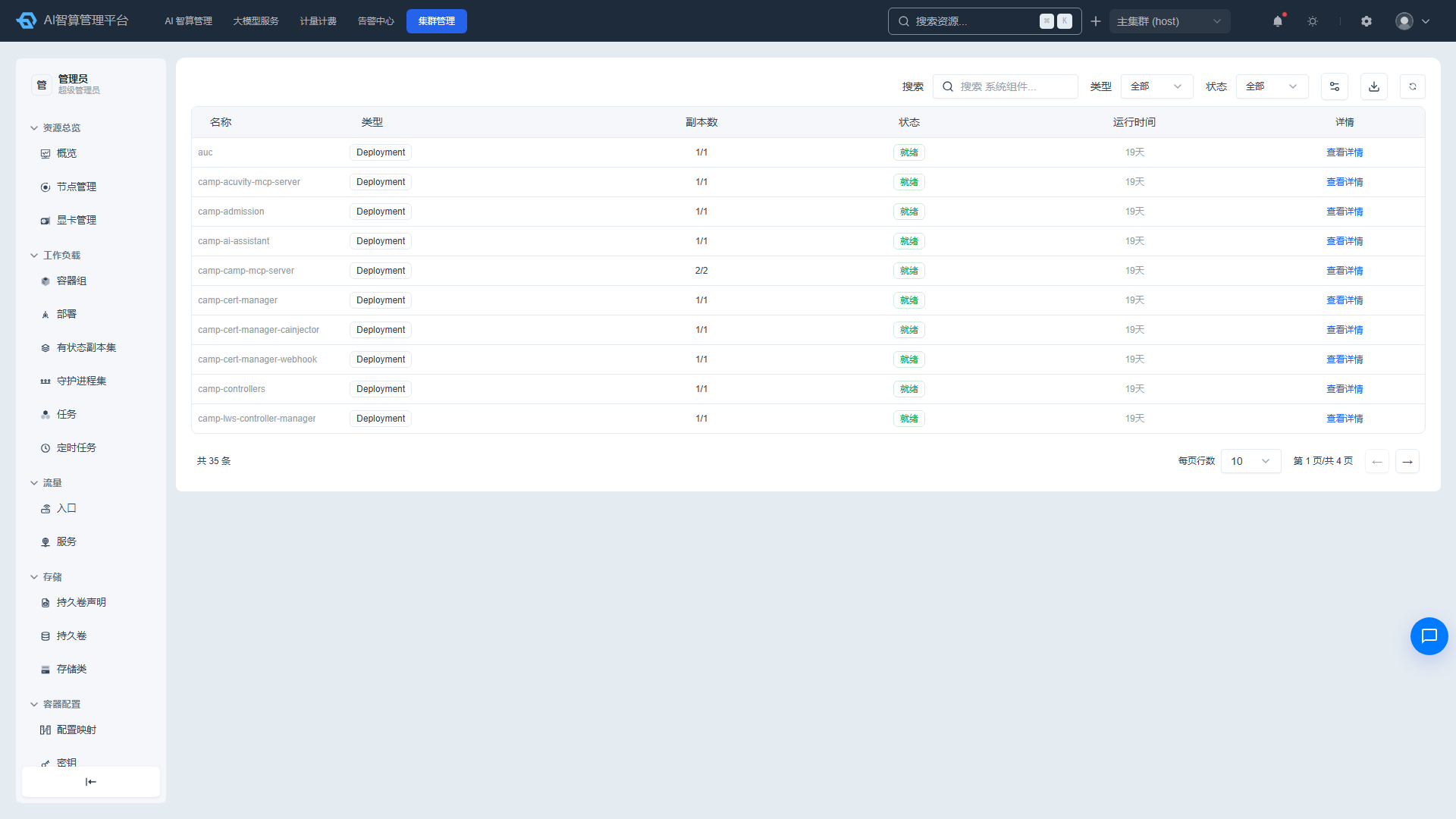
- Navigate to K8s Cluster Management > Others > System Components.
- The list displays: component name, component type, replica count, status (ready/not ready), age, and details entry.
- Click a component name to navigate to the corresponding workload (Deployment/DaemonSet, etc.) detail page.
Troubleshooting Component Anomalies
- Components with a "Not Ready" status are highlighted.
- Click the component name to enter the corresponding workload detail page.
- Check the "Events," "Logs," and "Pods" tabs to identify the root cause (e.g., image pull failure, insufficient resources, configuration errors).
FAQ
Q: After deleting a Namespace, it remains in Terminating state — why? A: Resources under the Namespace may not have been fully cleaned up, or a finalizer may be blocking deletion. Use kubectl to check and manually clean up remaining resources.
Q: The Event list has too much data — what should I do? A: Use the involved object and type dropdown filters and keyword search to narrow the scope. Events are typically retained for a short period and are automatically cleaned up when expired.
Q: What is the impact of deleting a CRD? A: Deleting a CRD also deletes all custom resource instances under that CRD. Proceed with caution; back up important data first.